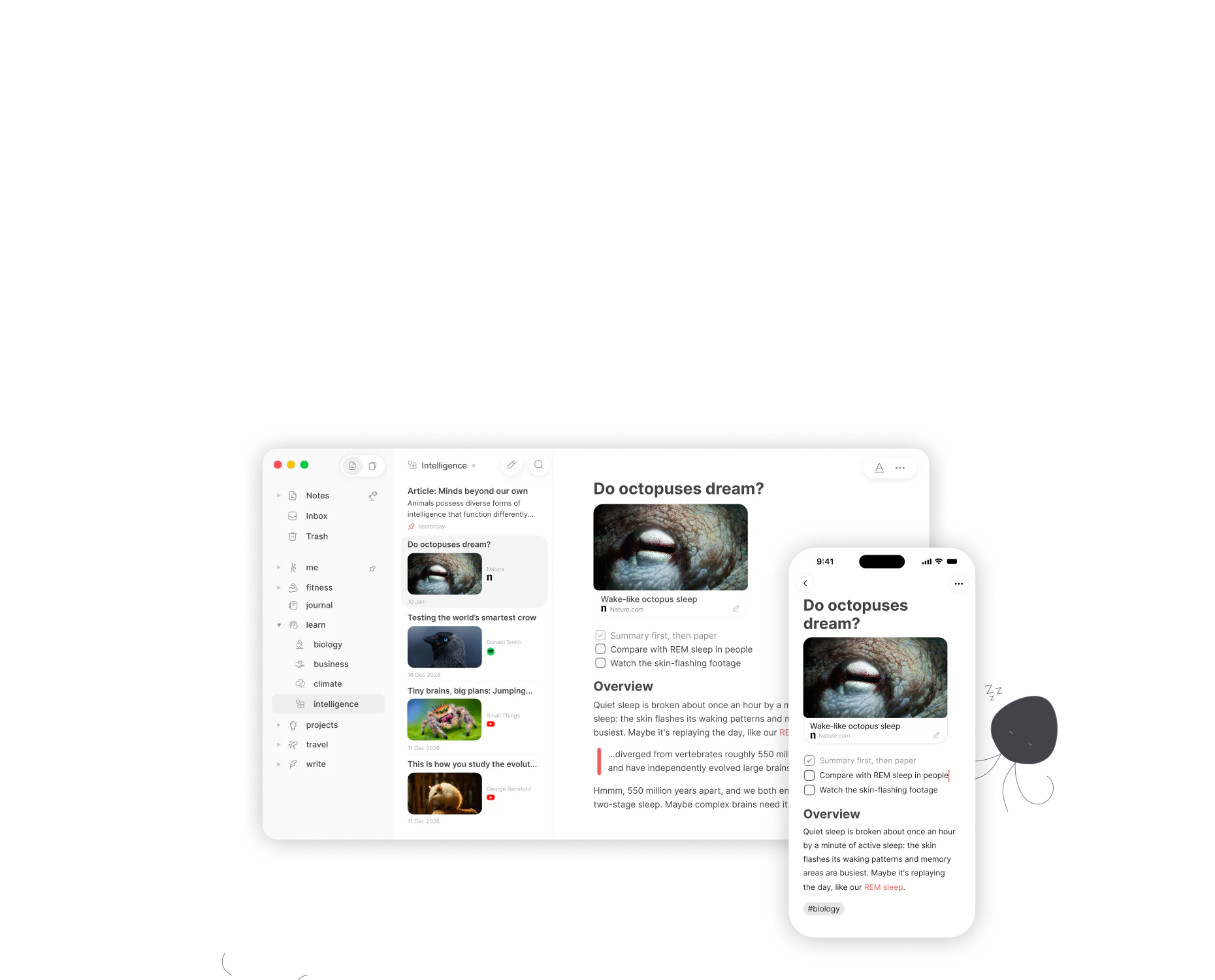
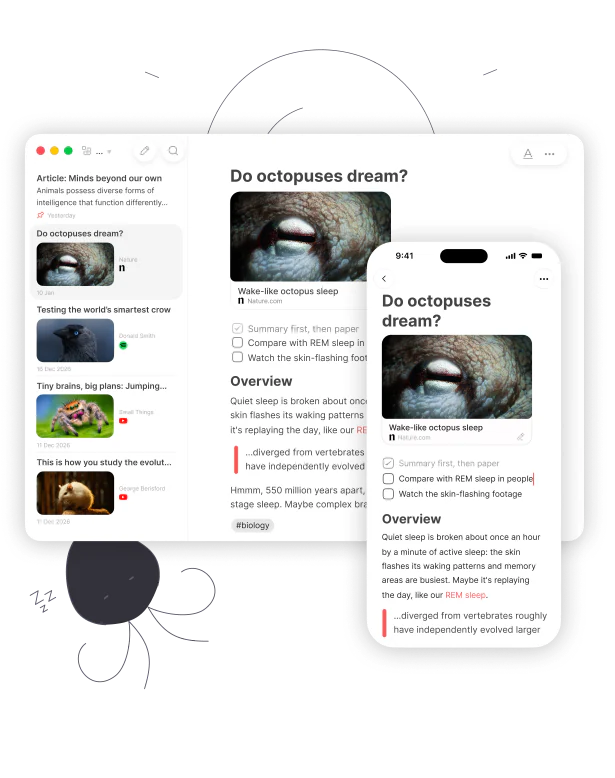
Rick on a Mac and an iPhone, showing the same note: Do octopuses dream?
Rick

Evolve your thinking.

Markdown notes, flashcards and an AI assistant, in one place.

Download on the App Store
Rick on a Mac and an iPhone, showing the same note: Do octopuses dream?
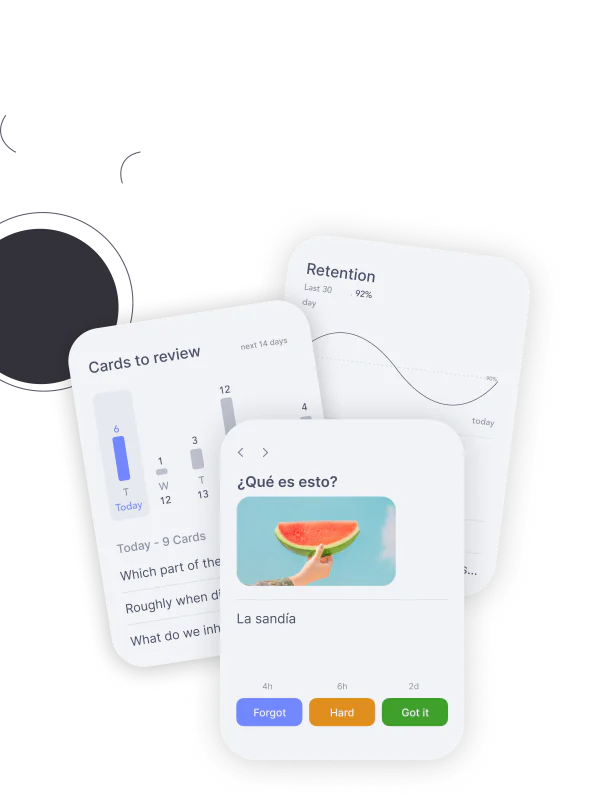
A flashcard asking ¿Qué es esto? over a watermelon, with Forgot, Hard and Got it buttons, and charts of cards to review and retention.

Make ideas stick

  • Write a question, type :: and write the answer. Or save a quote or idea you want to see again.
  • Spaced repetition brings each card back at the right time.
  • Making and reviewing cards is free, forever.
  • With Pro, the assistant writes cards for you.
A flashcard asking ¿Qué es esto? over a watermelon, with Forgot, Hard and Got it buttons, and charts of cards to review and retention.
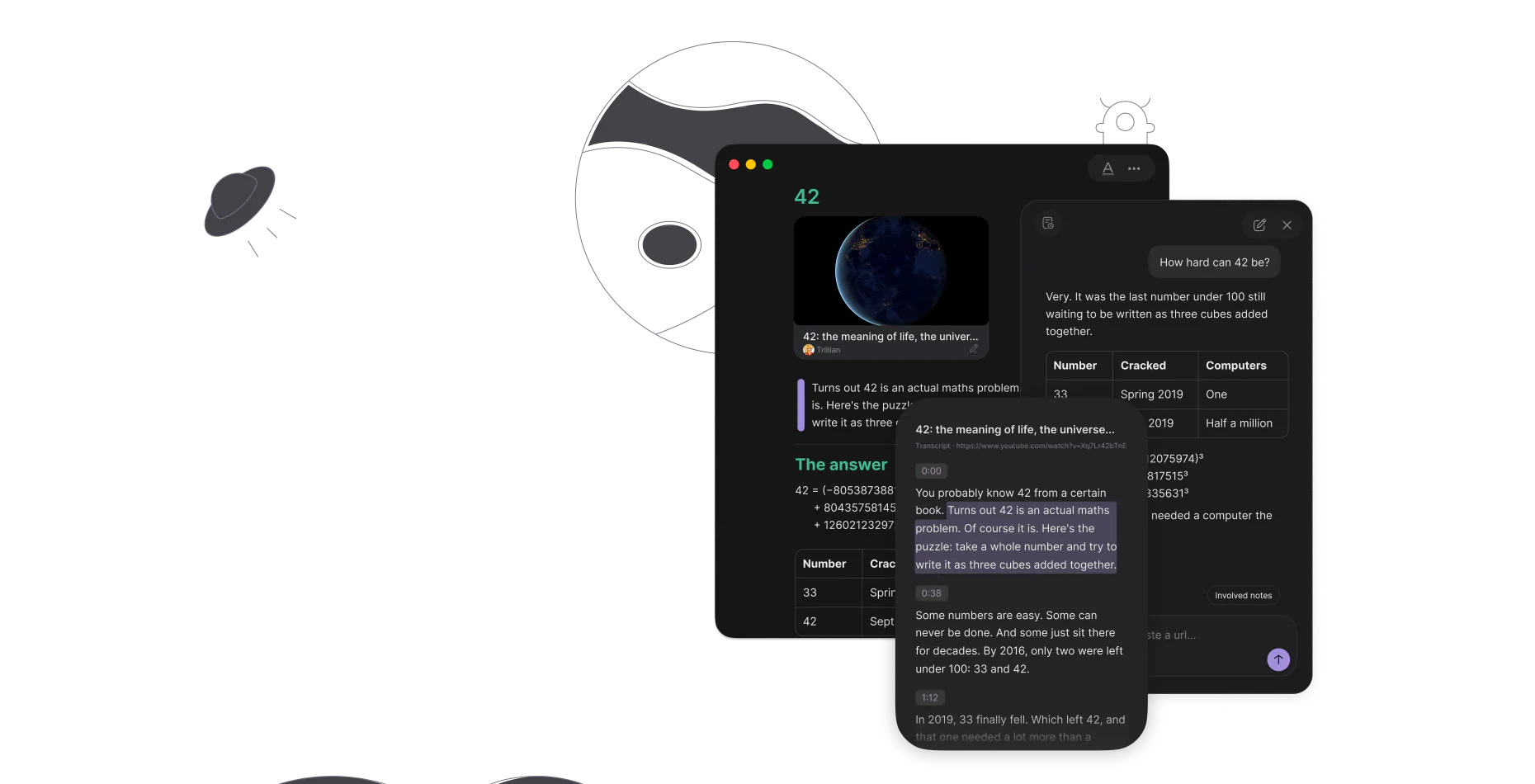
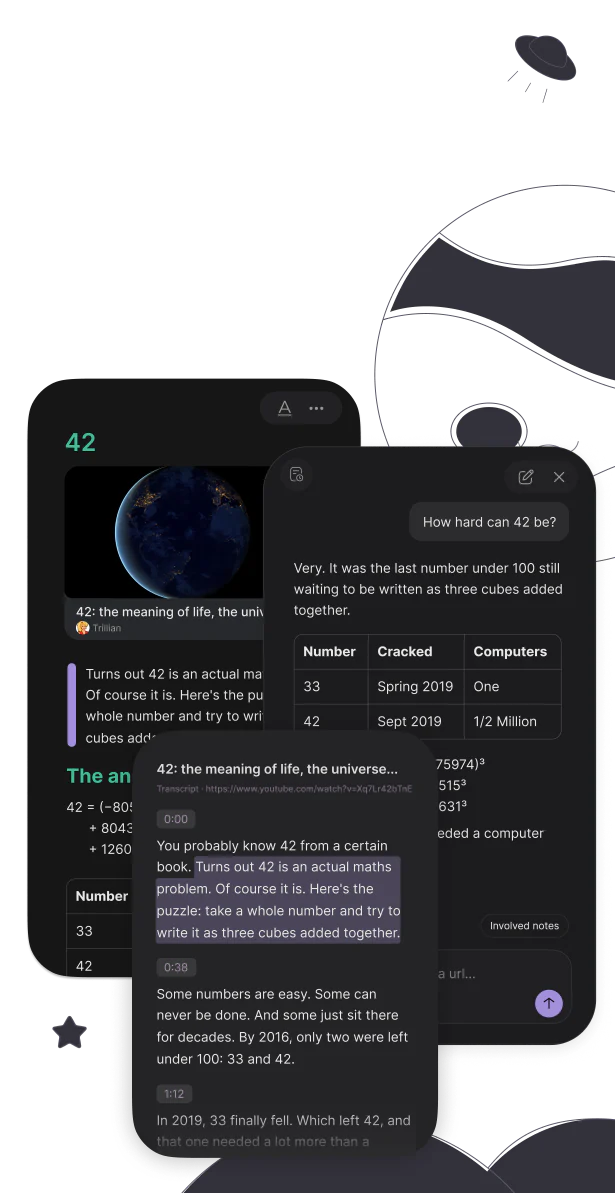
A note called 42 beside the assistant, which answers How hard can 42 be? with a table, and a video transcript with a highlighted passage.

Go deeper with AI Pro

  • Explore ideas
  • Summarise content
  • Work directly with the source
  • Chat with your notes
  • And more…
A note called 42 beside the assistant, which answers How hard can 42 be? with a table, and a video transcript with a highlighted passage.
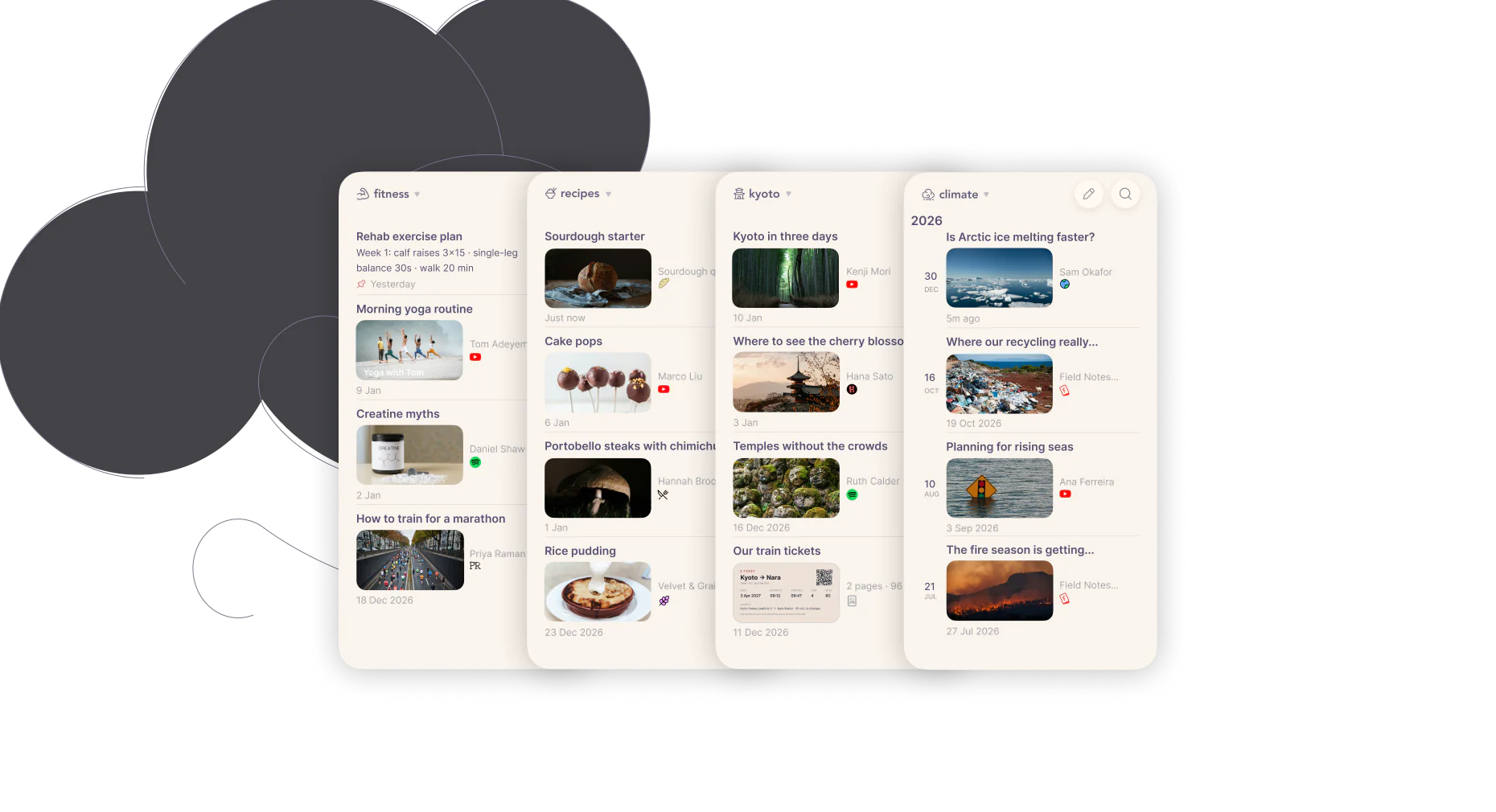
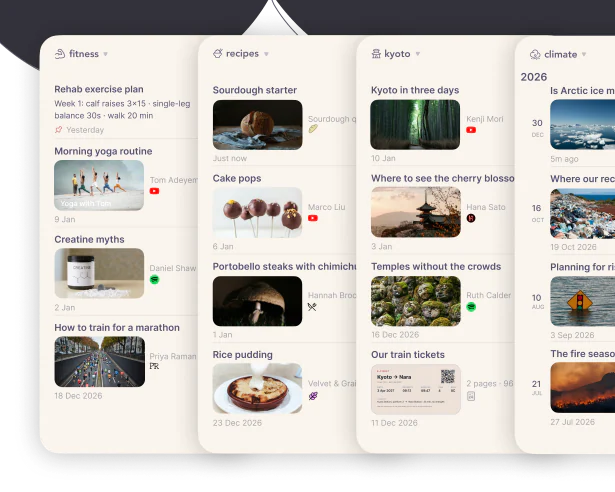
Four note lists, for fitness, recipes, Kyoto and climate, each full of saved videos, articles, podcasts and a train ticket.

Save any content, all in one place

Articles, videos, podcasts and more – whatever the source, save it to Rick.

Four note lists, for fitness, recipes, Kyoto and climate, each full of saved videos, articles, podcasts and a train ticket.
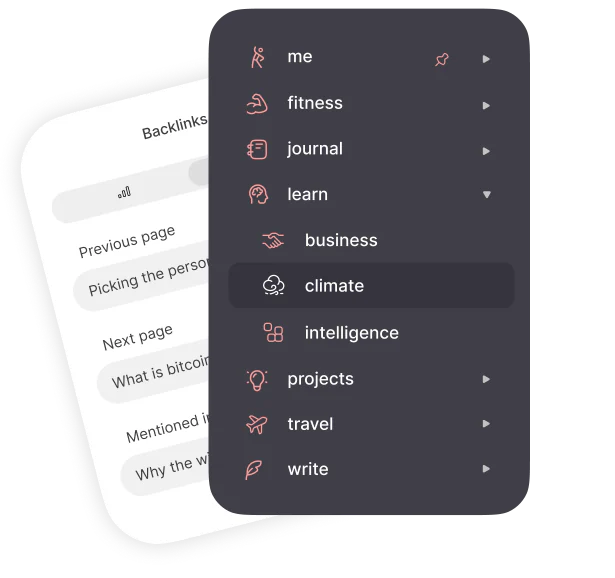
Nested tags with their own icons, and an info panel listing a note's backlinks.

Organise notes and cards

  • Tags nest like folders. A note or card can sit under several at once.
  • Give each tag its own icon. Make one your workspace when a project needs your full attention.
  • The info panel shows every note linked to the one you're in.
Nested tags with their own icons, and an info panel listing a note's backlinks.
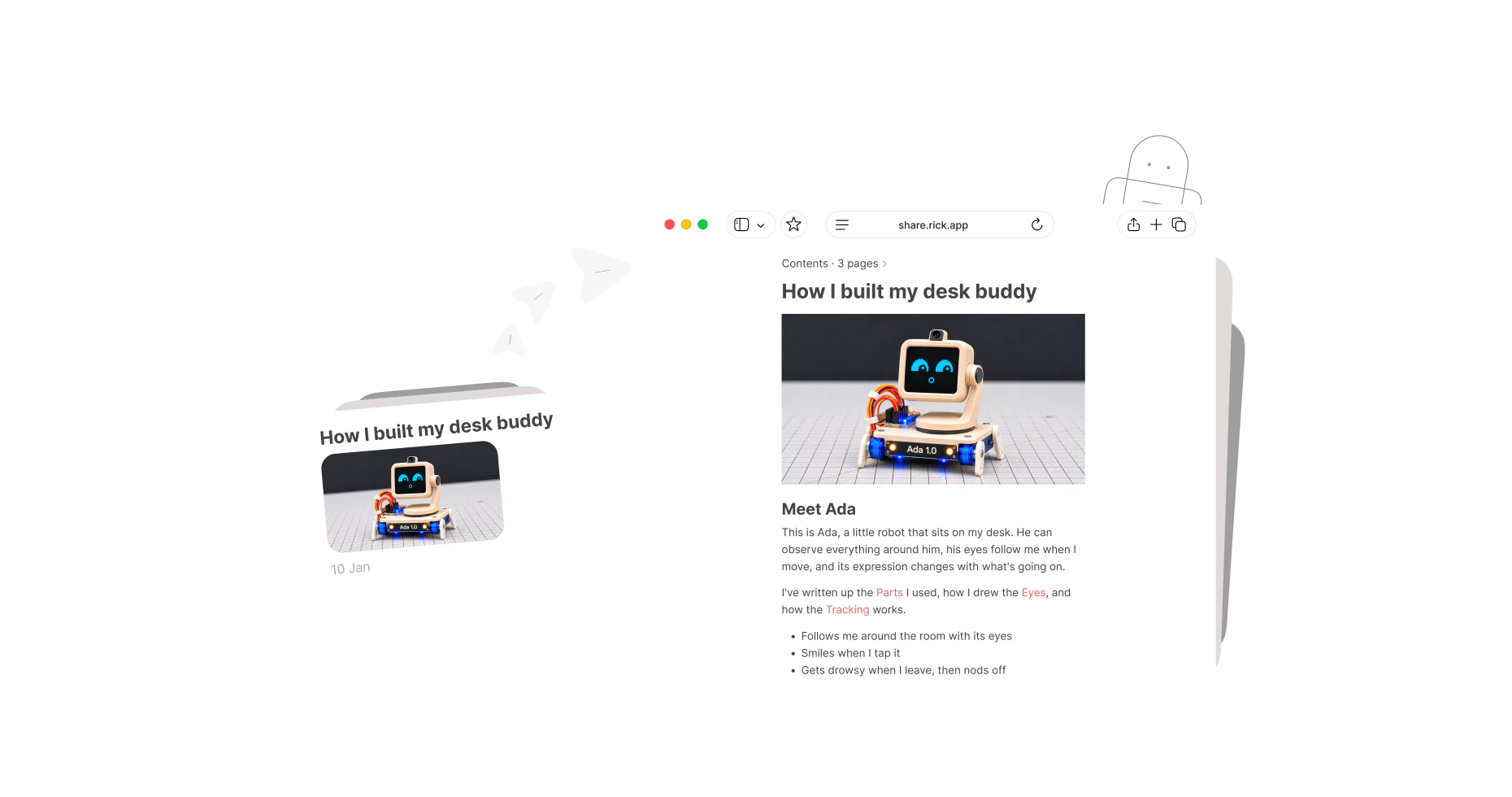
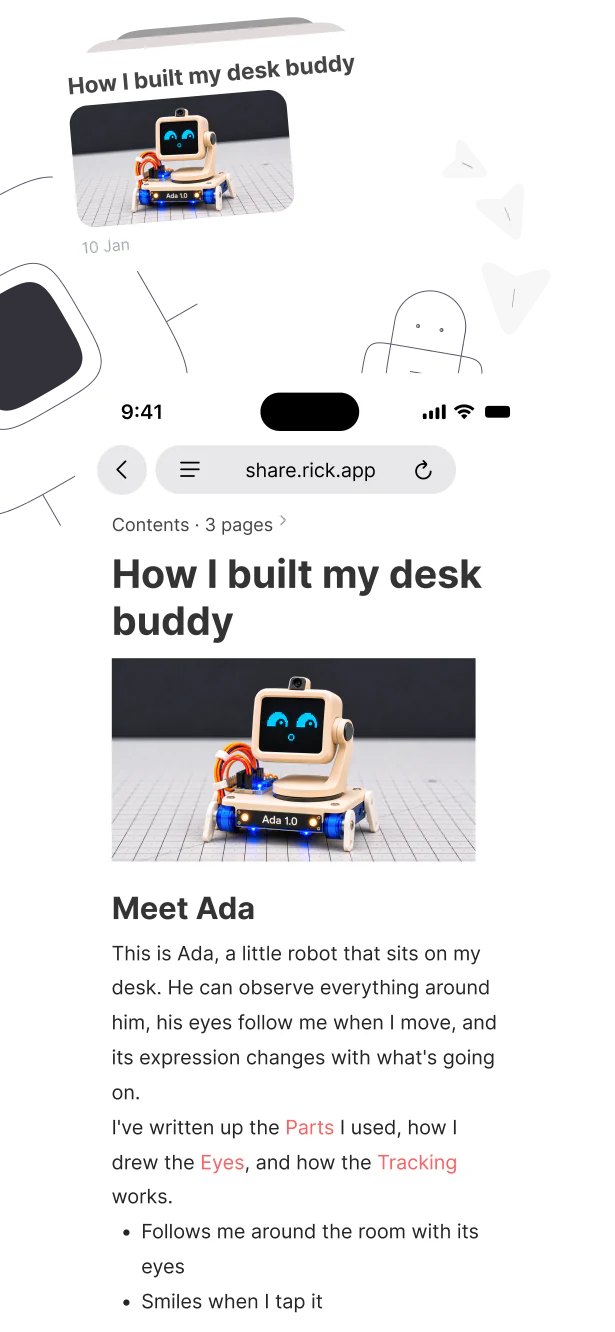
A note called How I built my desk buddy, published as a three-page wiki on share.rick.app.

Share to web

Publish a note, or a set of notes, as a wiki.

A note called How I built my desk buddy, published as a three-page wiki on share.rick.app.

A few more things

You'll find them as you go.

iCloud sync

Notes, cards, images and PDFs, up to date on iPhone and Mac.

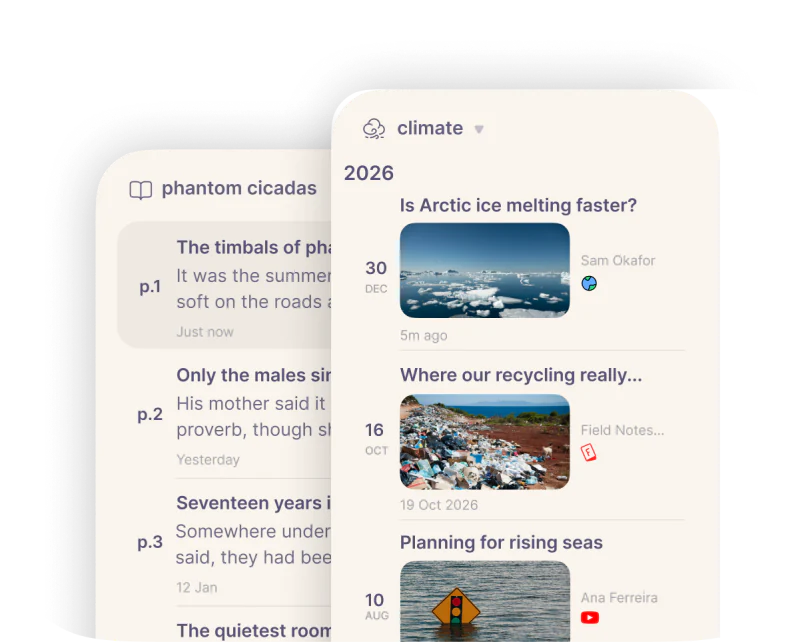
List notes as a timeline or a sequence

A climate tag listed as a dated timeline, and a story listed in order as numbered parts.

Keep some notes private

Lock a note with a password. Open it with Face ID or Touch ID.
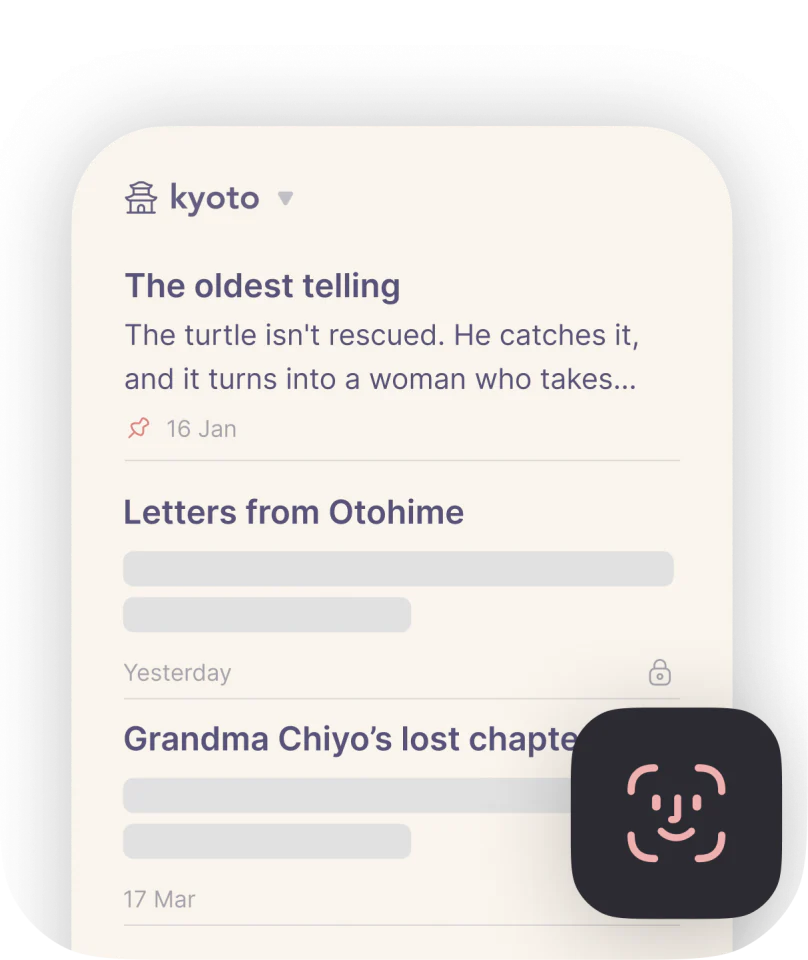
A Kyoto list where two locked notes show only their titles, with a Face ID prompt.

Document scanning

Scan paper with your iPhone camera. The pages go into your note as a PDF. With Pro, the assistant can read and summarise them.
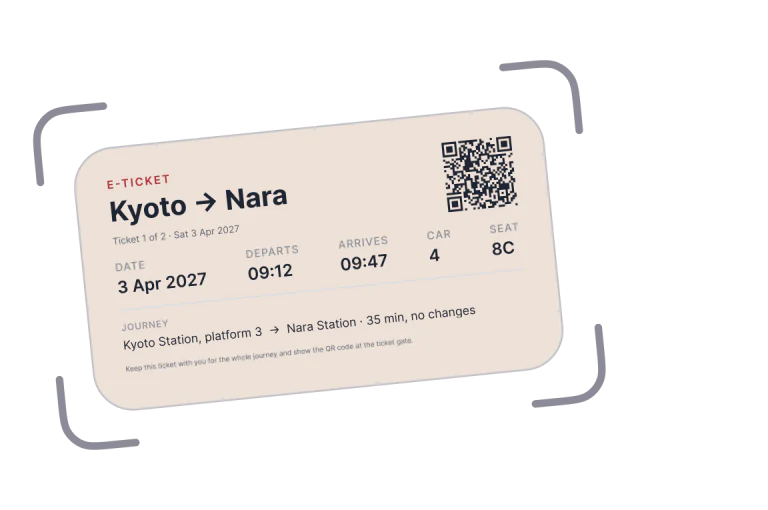
A scanned Kyoto to Nara train ticket.

Plans

Free

  • Local access to all your notes, forever.
  • Flashcards: create by hand, review free forever.
  • Export to TXT, Markdown, TextBundle and HTML
  • Share to web
  • Themes
  • Not included: Sync with iCloud

Sync

  • Everything in Free
  • Sync with iCloud

$2.99/month

$29.99/year-16%

Pro

  • Everything in Sync
  • Monthly AI usage
  • Flagship AI models, switch and effort dial
  • Bring your own API keys
  • Chat with AI
  • Summarise online articles, YouTube videos, Spotify podcasts, PDFs and more.
  • Chat with your entire knowledge base
  • AI-generated cards

$12.99/month

$8.33/month • billed annually

Free and Sync plans get a free trial AI allowance to use up at your own pace.

Download on the App Store Who is Rick? →